30 everyday shortcuts: bulk edit tasks, copy last week with its hours, approve all, search your reports and more
We went through Hourtick looking for the small things that cost you clicks every day, and fixed 30 of them: bulk editing and new filters for tasks, copying days and weeks with their hours, Approve all, a search in Reports, chat links that open the message, and ⌘K that starts a timer on a task.

What's new
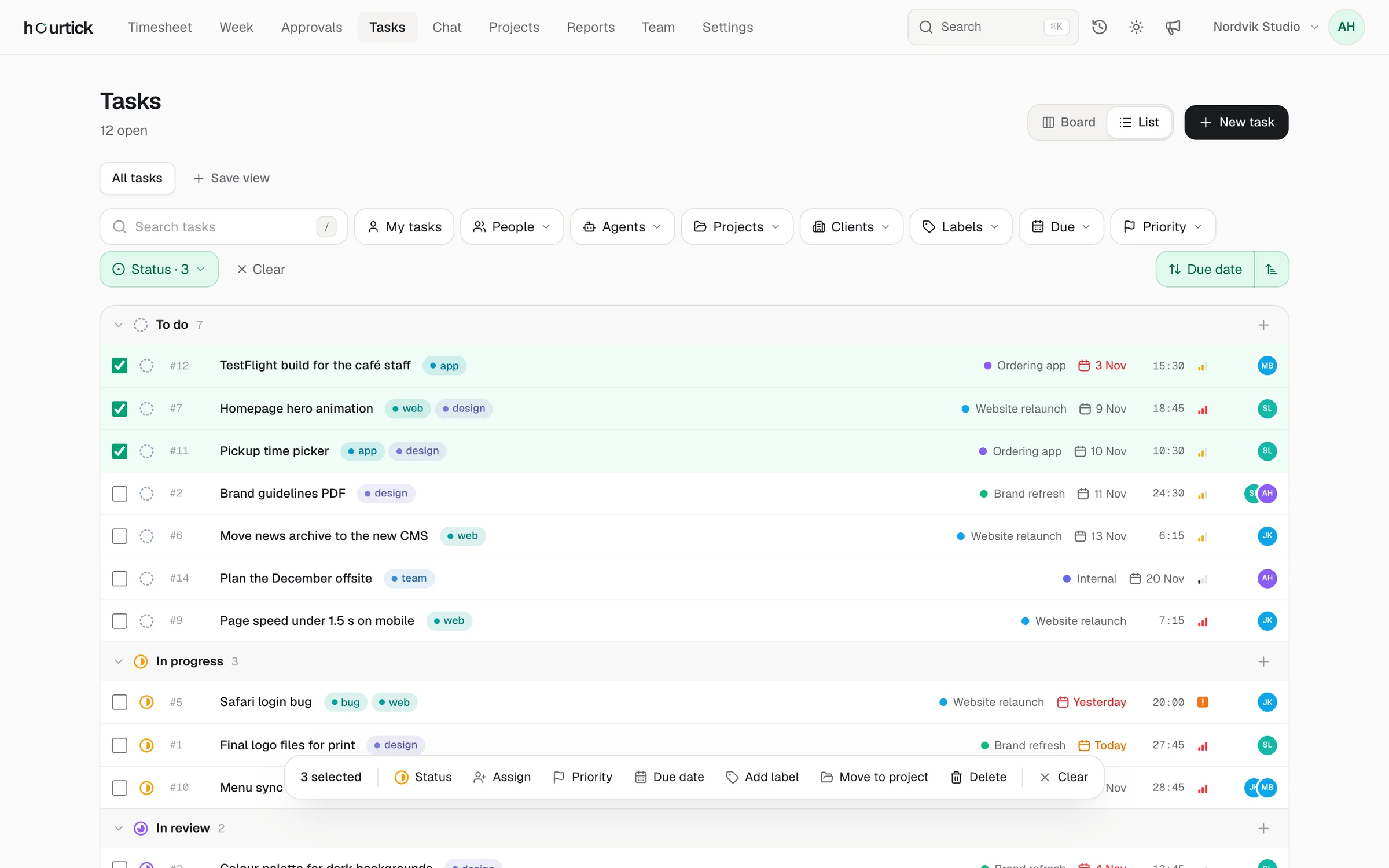
- Tasks: tick several tasks (or press X) and change status, assignee, priority, due date, label or project for all of them, with Undo
- Tasks: filter by due date (overdue, today, this week), priority and status, and keep them in saved views
- Tasks: sort the list by due date, priority, last updated, number or tracked time
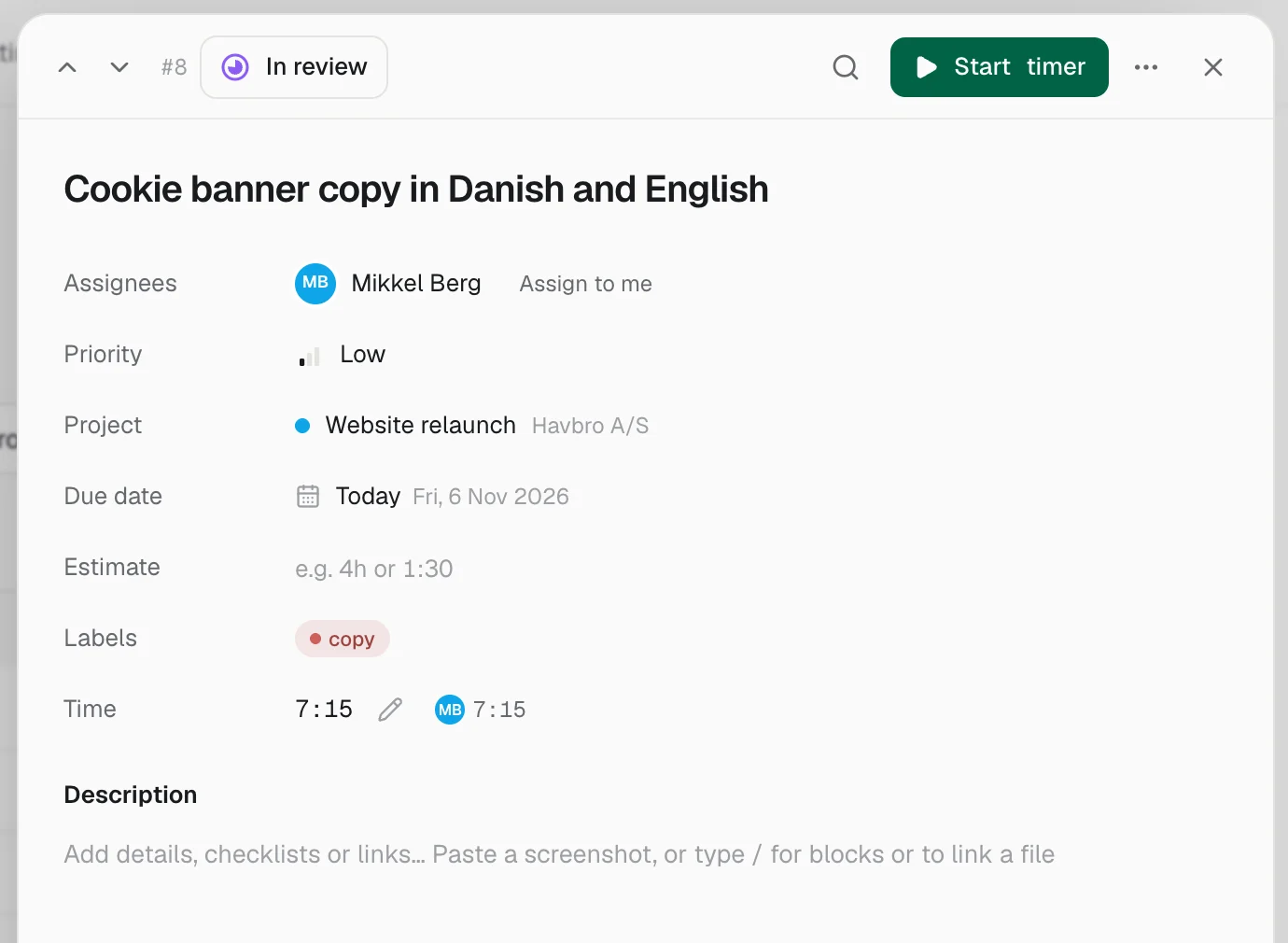
- Tasks: step through tasks with J and K (or the arrows) without closing the task
- Tasks: Assign to me in one click, and duplicate a task with its checklist
- Tasks: moving a task to another column can be undone
- Tasks: a new task keeps the label and client you're filtering on, and stays in view
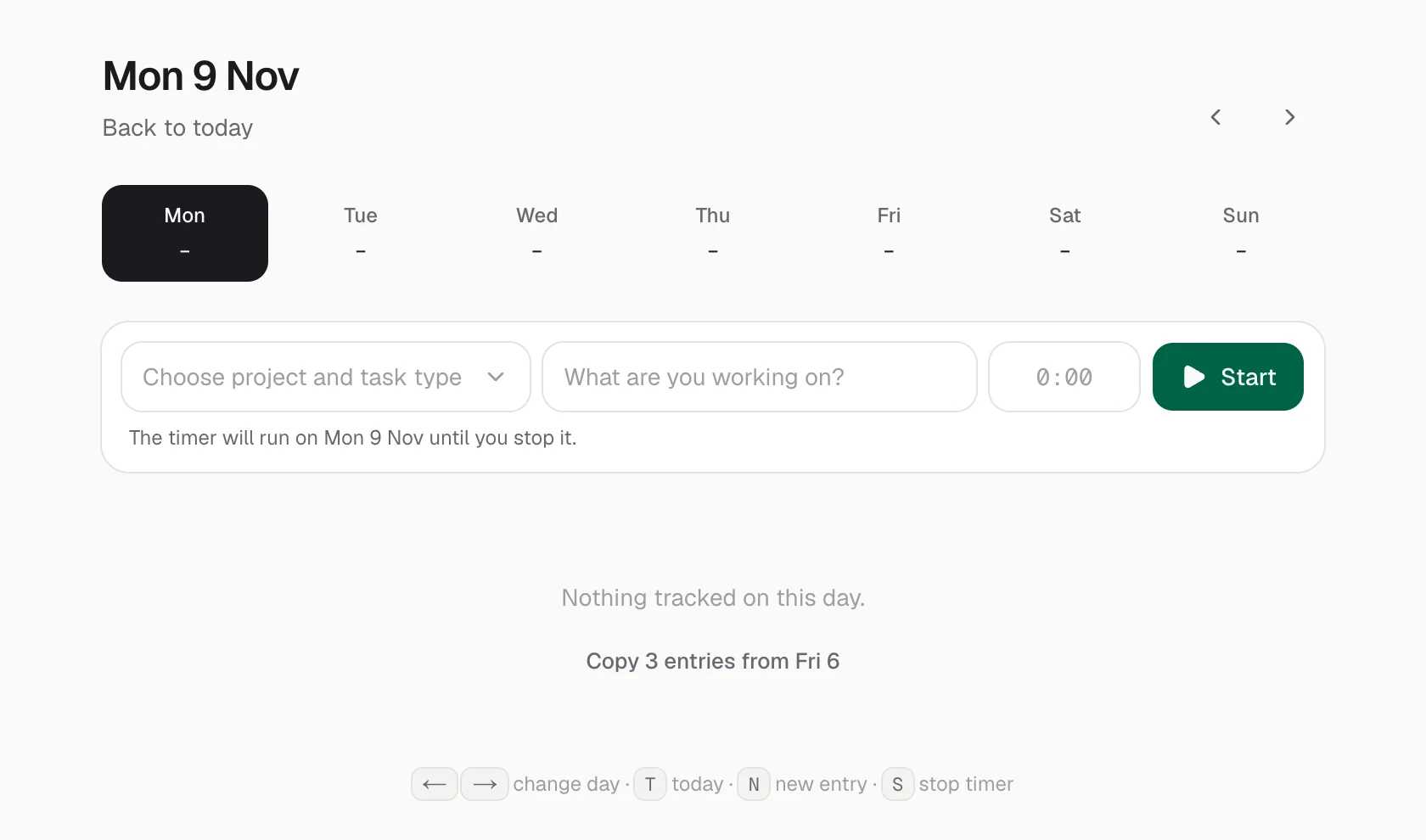
- Time: duplicate an entry, or copy the last day you tracked onto an empty day
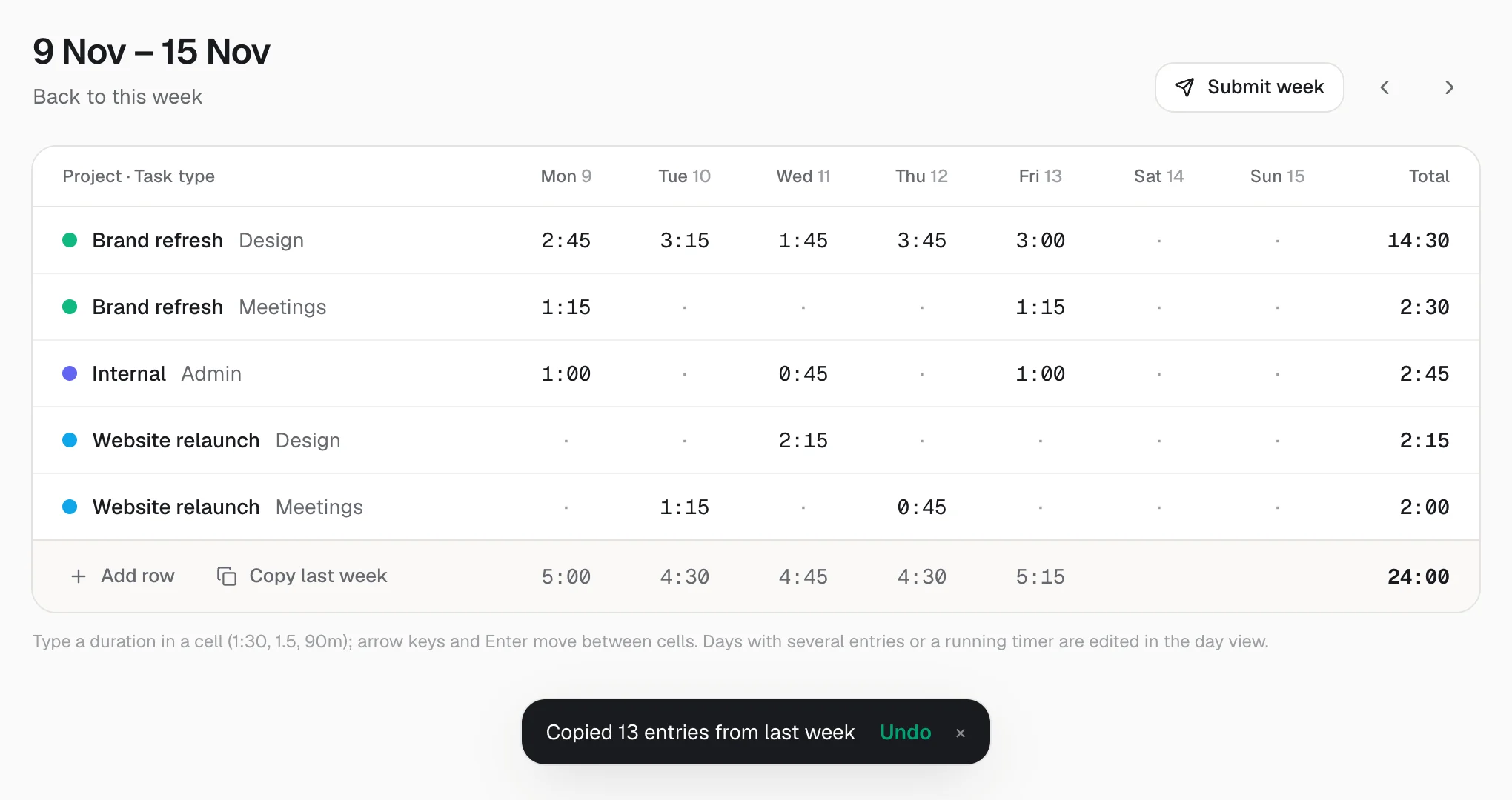
- Time: Copy last week brings the hours too, into empty cells only
- Time: arrow keys and Enter move between cells in the week grid
- Time: changing an entry's task type now also updates whether it's billable
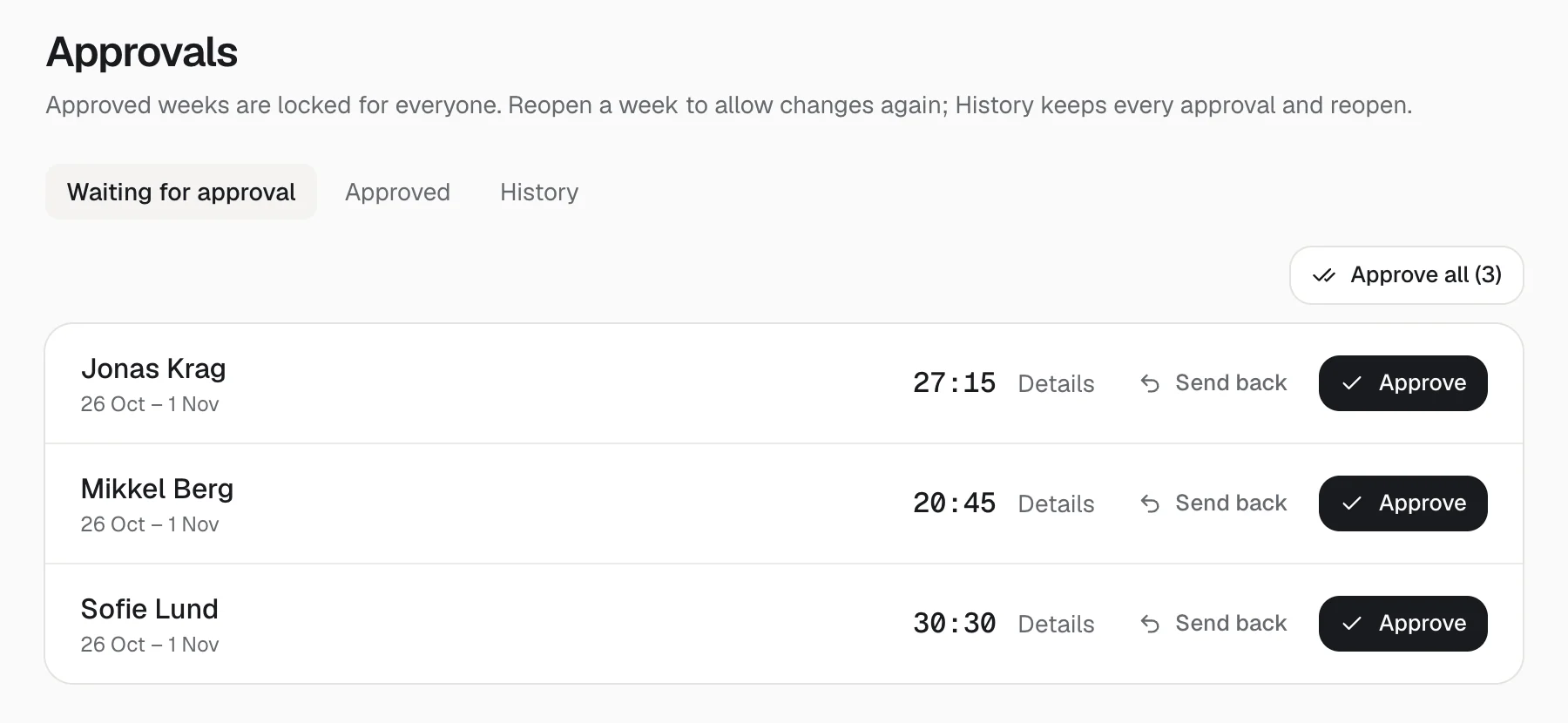
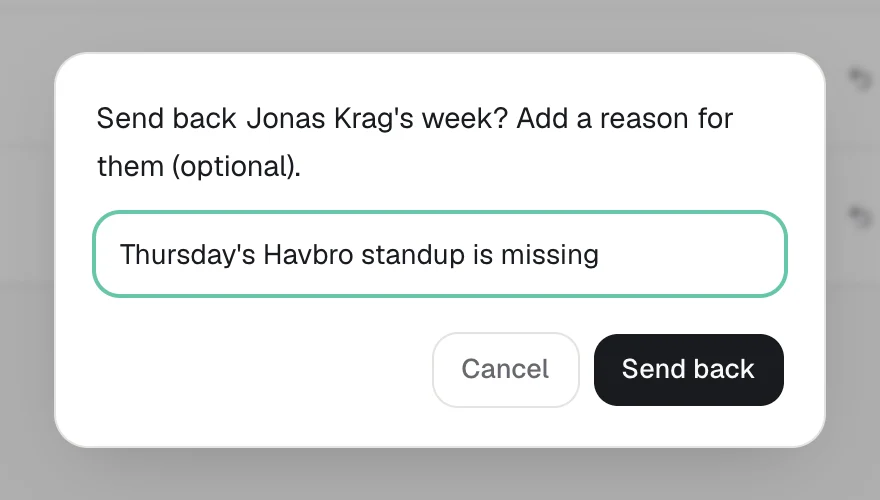
- Approvals: Approve all, and a reason when you send a week back, which the person is notified with
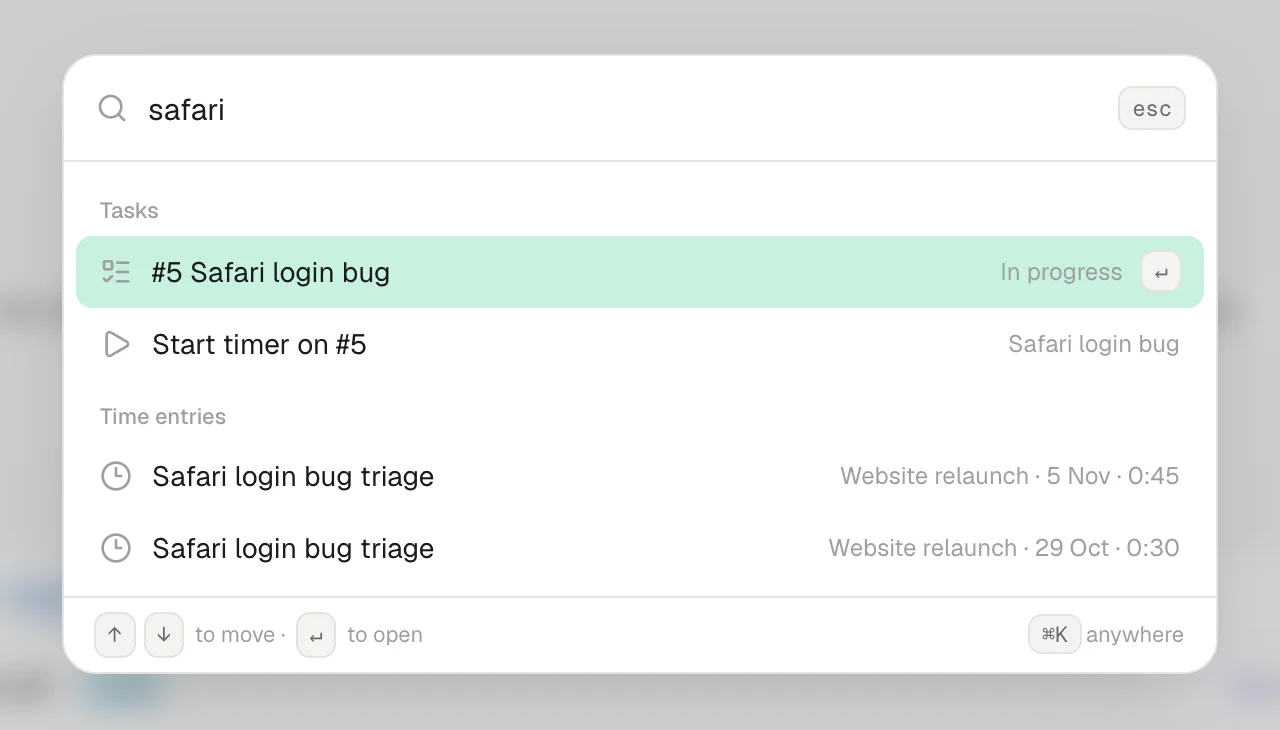
- Reports: search the notes and tasks ("safari login") and get hours, revenue, cost and profit for just that work
- Reports: with a client chosen, the Project filter only lists that client's projects
- Expenses: a new expense starts from the last project, category and date, with Save and add another and Duplicate
- Invoices: an Overdue filter, search by client or number, sorting and the outstanding total
- Invoices: New invoice lists the clients with something to invoice first, with the amount, and remembers your settings
- Chat: search results open the message itself, highlighted, even when it's old
- Chat: Copy link to message, and Jump to latest when you've scrolled up
- Chat: @mentions put people in the channel and people you mention often first
- ⌘K: start a timer on a task, create a task, or open a chat with an agent from anywhere
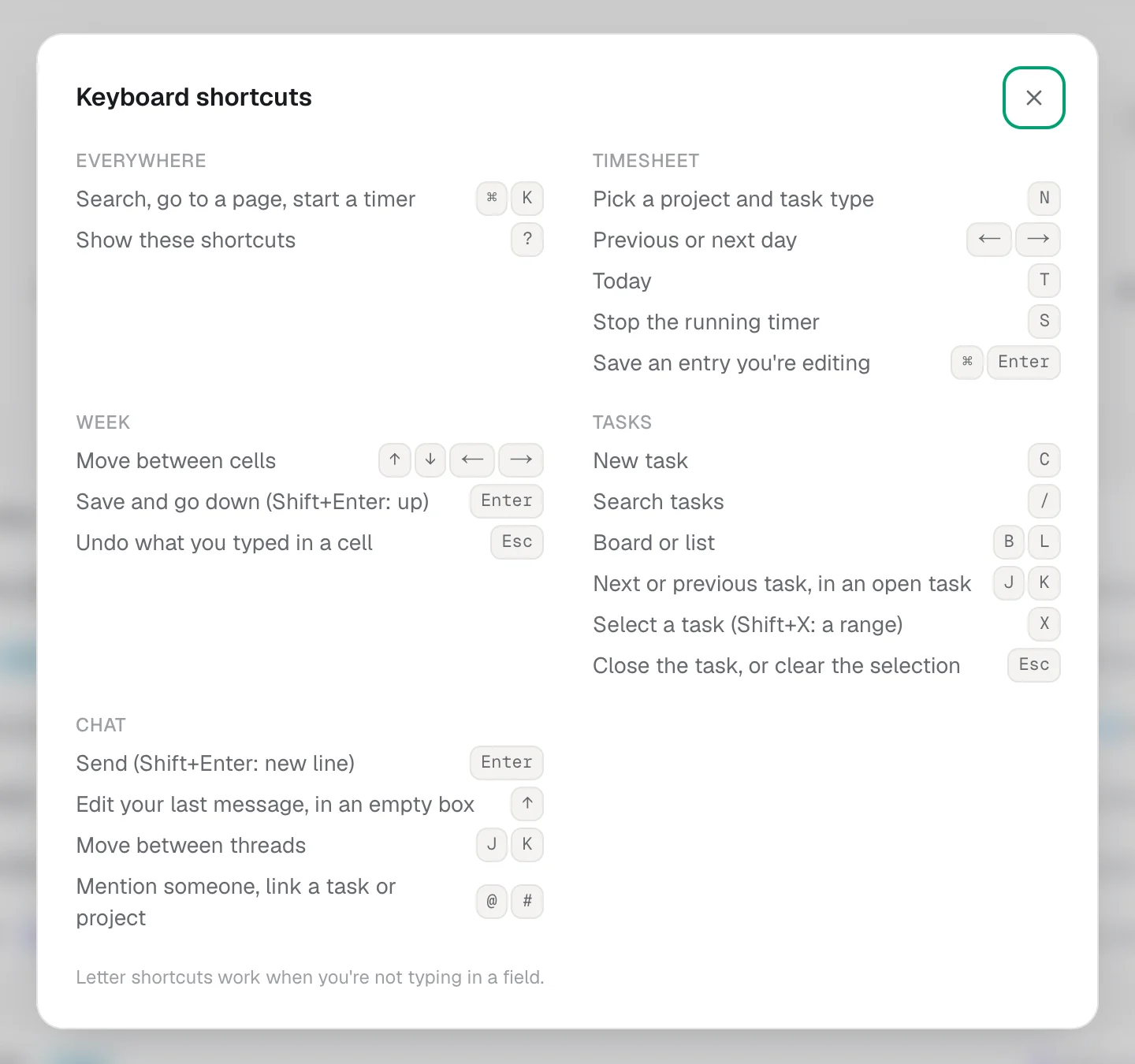
- Keyboard: press ? anywhere for every shortcut, page by page
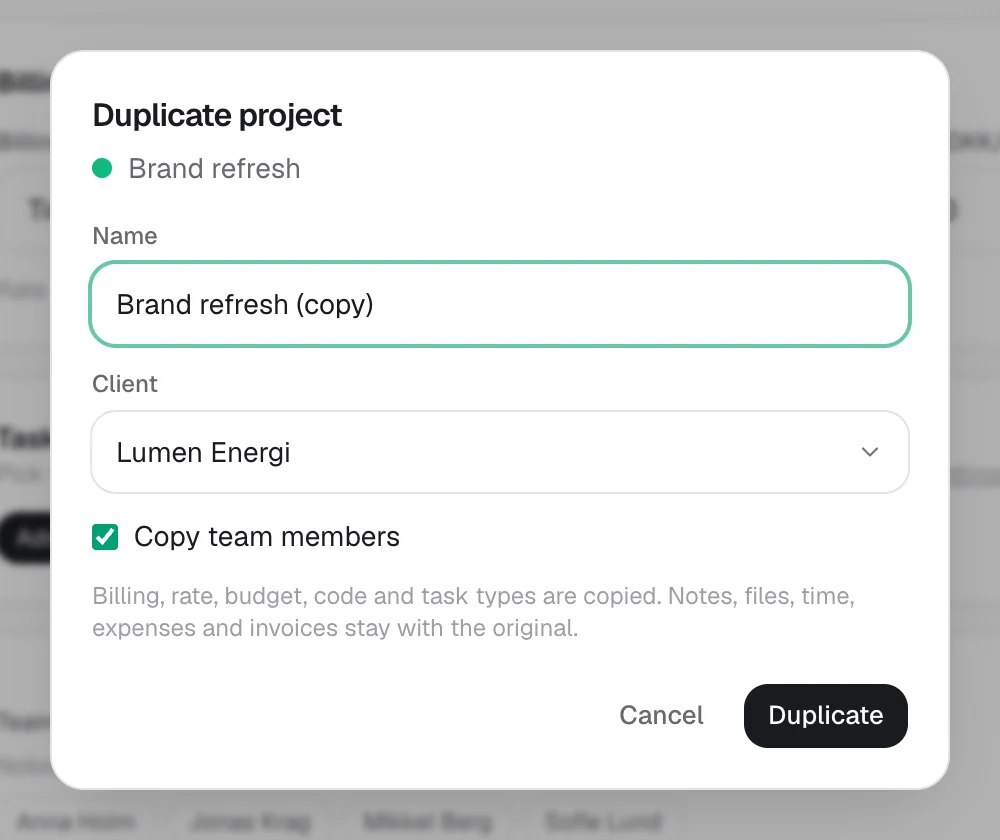
- Projects: duplicate a project with its billing, rate, budget, task types and people
- Projects: change a project's colour from its page
- Projects: a new project starts from the client's usual billing and rate, in a colour not yet in use
- Projects: archiving can be undone, and the project list remembers what you had open
- Settings: task types can be renamed
- Team: resend an invite that expired, with the same role and access
- Everywhere: dropdowns put what you've picked at the top, and notices with Undo stay while your mouse is on them
- AI agents: get_report can search notes and tasks, and the API has the new chat, approval, project and invite endpoints
None of these is big on its own. Together they're the clicks you make all day: ticking the same filter off again, retyping last week, approving weeks one by one, scrolling to the task you always use. We went through the whole app looking for them and fixed 30.
Tasks get the most. Tick a few tasks in the list, or press X on the board or the list, and a bar lets you change their status, assignee, priority, due date, label or project in one go, with Undo. New filters find what's overdue, due today or this week, by priority or by status, and they go into saved views like the others. The list sorts by due date, priority, last updated, number or tracked time. In an open task, J and K step to the next and previous one in the order you see them. Assign to me is a button, a task can be duplicated with its checklist, and a task dragged to the wrong column can be put back with Undo.
Tracking time is quicker too. On an empty day, Hourtick offers the entries from the last day you tracked; any entry can be duplicated. Copy last week can now bring the hours as well, only into cells that are empty, and arrow keys and Enter move between cells like a spreadsheet. ⌘K finds a task and starts your timer on it, with the task type you usually use on that project. Managers can approve every waiting week at once, and when they send one back, they can say why, and the person gets a notification with the reason.
Reports has a search: type "safari login" and see the hours, revenue, cost and profit of just that work, from the notes and from the tasks the time was tracked on. Invoices can be filtered to the overdue ones, searched and sorted, and New invoice lists the clients with something to invoice first. In chat, a search result opens the message itself, highlighted, and any message has a link you can share. Projects can be duplicated, recoloured and archived with Undo, invites can be sent again, and pressing ? anywhere lists every keyboard shortcut. As always, all of it is included on every plan.
More in Platform
Track your first hour in a minute.
Free for your whole team, forever. Every feature included.